

6444JILI Login and Account Access
Whether you are returning to 6444JILI or setting up access for the first time, a few simple checks can make sign-in easier. Keep your registered details nearby, use a private connection, and follow the steps below when you need help.
🔐 Sign In to Your 6444JILI Account
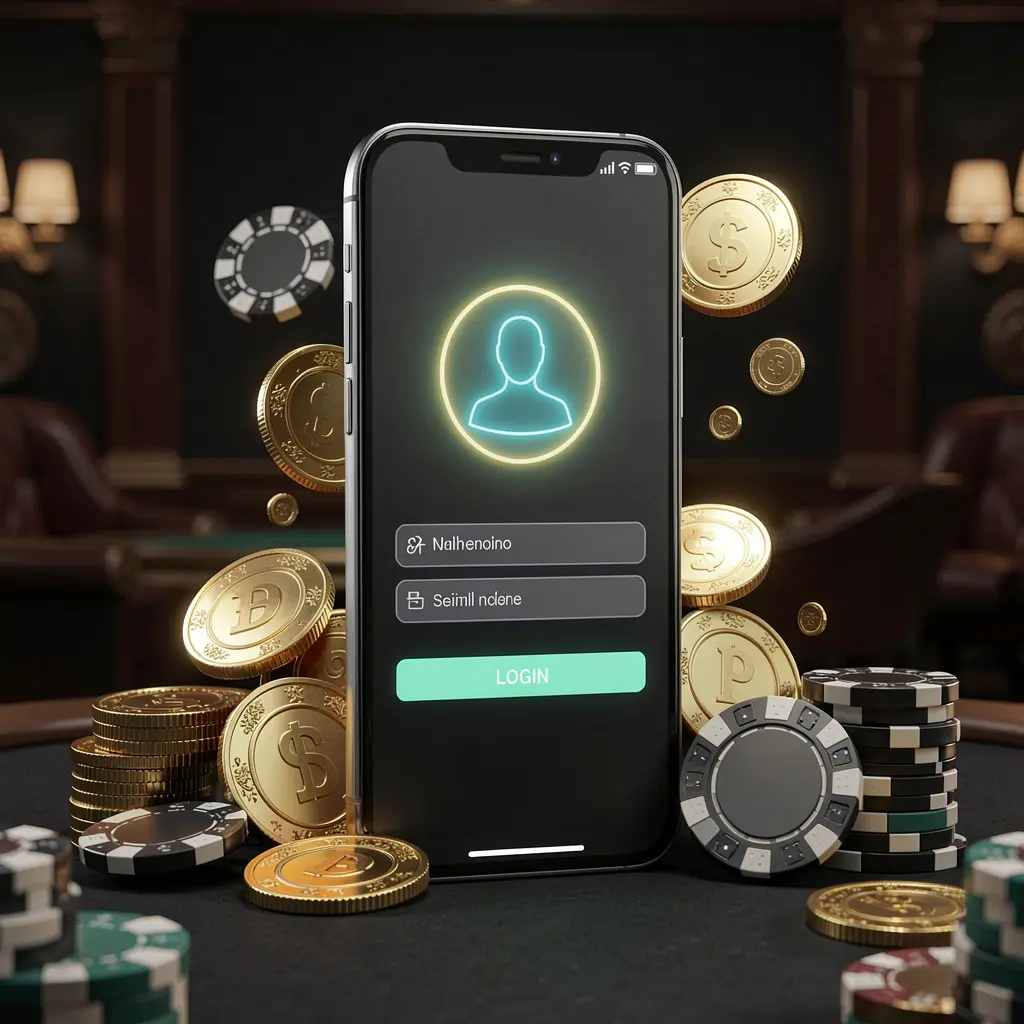
To access your account, open the official 6444JILI website or app and select the login option. Enter details carefully before submitting the form.
- Open the official 6444JILI login page or installed app.
- Enter your registered phone number or username accurately.
- Type your password using the correct upper- and lowercase letters.
- Complete any on-screen verification step when it appears.
- Select Login to open your account dashboard.
If the page does not respond, refresh it once and confirm that your internet connection is stable. Avoid repeated attempts with uncertain details, as this can create unnecessary access issues.
📝 Registering a New Account
New users should choose Register from the login screen and provide genuine account information. Use a phone number that you control, since it may be needed for verification and account recovery.
- Select Register to open the account creation form.
- Add your active phone number and requested personal details.
- Create a strong password that is difficult to guess.
- Choose BDT if the registration form offers currency selection.
- Enter the verification code sent to your registered number.
- Review the information, then submit your completed registration.
Read the displayed terms before completing registration. Keep your username, password, and registered number in a secure place, and never create duplicate accounts to solve a login problem.
🔑 Recover a Forgotten Password
A forgotten password does not mean you need a new account. Use the password recovery link on the sign-in page to restore access through your registered contact details.
Select “Forgot Password,” enter the phone number or other information requested, and wait for the verification code. After confirming the code, choose a new password that is unique and not based on easily guessed personal information.
If you do not receive a code, check that the registered number is entered correctly and that your device can receive messages. Contact the official support channel if the issue continues.
📱 Login on Mobile Devices
You can access 6444JILI through a mobile browser or the available app. Both options require the same account details, so use whichever suits your device and connection.
| Access option | Helpful when |
|---|---|
| Mobile browser | You want to sign in without installing anything |
| Mobile app | You prefer a dedicated account access shortcut |
For safer mobile access, lock your phone with a PIN, password, or biometric method. Do not enable saved login details on a shared handset or a device you may lose.
If the mobile login page is not working
Close and reopen the browser or app, clear outdated cache data, and check for a stable connection. Updating the app may also resolve loading or sign-in display problems.
🛡️ Keep Your Account Protected
Good account security depends on everyday habits. Treat your 6444JILI login details like private financial information and share them with nobody, including people who claim to offer assistance.
- Use a long, unique password for your account.
- Keep OTP codes private at all times.
- Log out after using a shared device.
- Check the website address before entering credentials.
- Update your registered contact details when they change.
Be cautious with links received through messages, social media, or group chats. Visit the official platform directly instead of entering login details after following an unfamiliar link.
🛟 Common Login Issues and Help
Most login difficulties have a simple cause, such as an incorrect password, an expired verification code, or a weak connection. Start with the quick checks below before requesting support.
- Incorrect password: use the password reset option.
- Verification code missing: wait briefly, then request another.
- Page loading slowly: switch to a more reliable connection.
- Account access restricted: contact official support for guidance.
When contacting support, provide only the information needed to identify your account safely. Never send your password, full OTP, or sensitive device information through unofficial messages.
Responsible Account Use
Account access should remain secure, private, and under your control. Take breaks when needed, set personal spending boundaries, and use available account controls if entertainment no longer feels manageable.
6444JILI is intended for adults aged 18 and over. Gambling involves risk, so never use essential funds or money you cannot afford to lose. Seek support if gambling becomes difficult to control.
Frequently Asked Questions
What details do I need to log in to 6444JILI?
Use the username or phone number associated with your account and your password. You may also be asked to complete a verification step.
What should I do if I forget my password?
Choose the Forgot Password option on the login page, verify your registered contact details, and create a new secure password.
Can I use my account on both mobile and desktop?
You can sign in with the same account details on supported devices. Always log out when using a device that is not yours.
Why am I not receiving a verification code?
Check that you entered the registered number correctly, confirm your signal is available, and request a new code after a short wait.
How can I keep my login secure?
Use a unique password, keep OTP codes private, avoid unknown links, and access your account only through the official site or app.